Setting Up an API Item for the FPS Function Manager
The Financial Performance Suite (FPS) Function Manager Excel® add-in requires the Client ID and Private Key from an API item that is set up on the Manage APIs page in FPS.
You must install the FPS Function Manager Excel® add-in from the
Microsoft® Office Store.
-
Select
 Add.
Add.
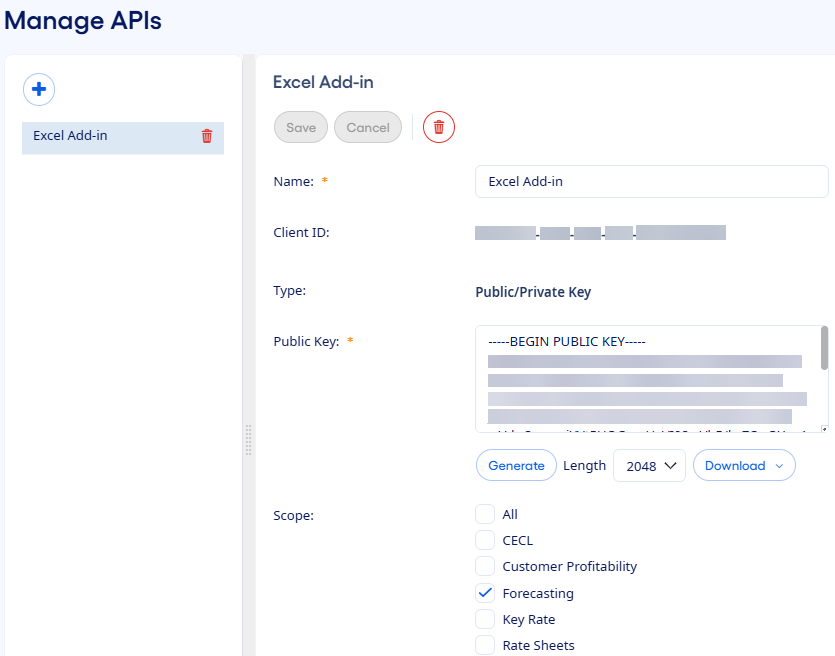
The Client ID and
downloaded Private Key are used to sign in to the FPS Function Manager
Excel® add-in.